Meeting Minutes Examples: Attendees, Decisions, Actions and Approval
Meeting minutes examples from a consulting strategy review, with draft wording for attendees and agenda, decisions, action owners and dates, and an approval record, plus a review checklist.
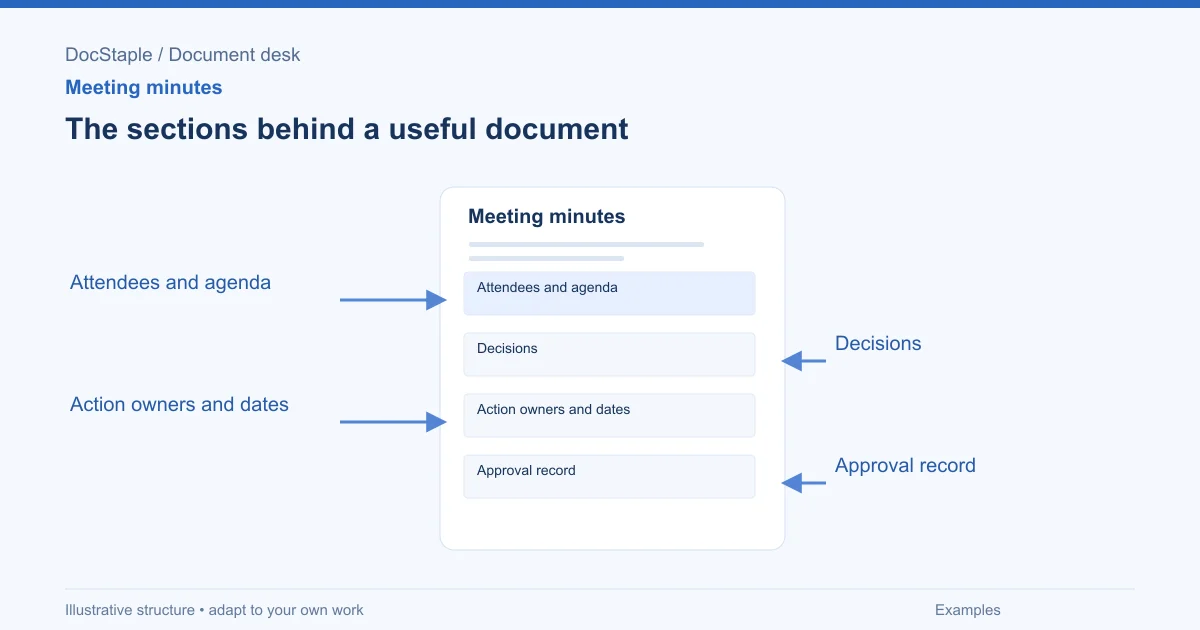
A useful set of minutes lets someone who missed the meeting see what was decided, who is doing what, and by when. Examples help because the difference between minutes people use and minutes people ignore is mostly in a few drafting choices.
This article walks through four short meeting minutes examples from one fictional setting: a consulting firm running a strategy review engagement, with a recommendations report as the main deliverable. Each example matches one part of the minutes. Treat the wording as structure to adapt, and replace every name, date and figure with your own verified facts.
What minutes are for, and what to leave out
Minutes are a record of the meeting's outcome, not a transcript of it. That principle is old and widely repeated. MRSC, an advisory service for Washington State local governments, recommends action minutes and puts the rule plainly: minutes should record what is done, not what is said. Its list of what action minutes contain includes the meeting name, location and times, attendance, the text of main motions and what happened to them, and, optionally, a brief summary of discussion.
That guidance was written for public bodies in one US state, so it is a reference point and not a rule for a consultancy. It also notes that Washington law requires minutes but says little about their format, and that content is largely a matter of local policy. The same is true of your project meetings. Whatever level of detail you choose, write it down once as a house style so that every set of minutes looks alike.
For client work, a practical version is: record decisions, conditions and actions in full, and record discussion only where it explains why a decision was made.
Example 1: Attendees and agenda
Scenario. The firm holds a weekly review with the client sponsor during the strategy review engagement. The team has finished discovery interviews and is reviewing the analysis before the recommendations report is drafted.
The top of the minutes answers who, when and what. It also fixes the version of the papers everyone was looking at, which is easy to forget and hard to reconstruct later. A draft header might read:
Strategy review engagement: weekly review, meeting 7 Date and time: [Date], [start]–[end]. Location: [Room or video link] Chair: [Name, role]. Minutes: [Name, role] Present: [Name, role, organisation], [Name, role, organisation] Apologies: [Name, role] Papers considered: Analysis review deck v4; interview log v2; approved scope v1. Agenda: 1. Interview themes. 2. Analysis review. 3. Report structure. 4. Actions and next meeting.
Three choices are worth copying. Roles sit beside names, so a reader who joins the project later knows who had authority. Apologies are recorded, because a decision taken in someone's absence may need to be confirmed with them. And papers are listed by version, so the minutes point to specific documents instead of a moving target.
If a participant has a conflict of interest, or the discussion covers material with restricted circulation, add a line for it under the attendees. Note the restriction and how the minutes should be circulated.
Example 2: Decisions
Decisions are the part of the minutes people search for afterwards, so they should be easy to find and hard to misread. Separate a decision from a proposal, and record any condition that goes with it.
Continuing the scenario, a draft entry could read:
Item 2: Analysis review Papers considered: analysis review deck v4. Decision 2.1: The recommendations report will present three options, not four. The client sponsor agreed to drop the fourth option because it falls outside the approved scope. Condition: The engagement lead will confirm in writing that dropping the option does not change the agreed deliverables. Not agreed: Whether to include a regional comparison. The sponsor asked for a cost estimate before deciding. Carried to the next meeting.
Notice the last line. An unresolved point stays visible as unresolved. That protects everyone from a later assumption that silence meant agreement. It also shows how much discussion the minutes need: one sentence of reasoning per decision, enough that a new reader understands the outcome, and no account of who argued what.
Where it matters, say who made the decision and on what authority: "The client sponsor agreed" carries more weight than "it was agreed". If your contract requires a formal change to scope for an item like this, the minutes should say so and point to the change process, not stand in for it.
Example 3: Action owners and dates
The action list is where minutes turn into work. The test is simple: could someone who was not in the room tell, on the due date, whether the action was done?
A vague entry such as "team to follow up on the interview schedule" fails that test. A better version has one accountable owner, a specific deliverable and a date:
| No. | Action | Owner | Due | Status |
|---|---|---|---|---|
| 7.1 | Send revised interview schedule to the client sponsor | [Name, role] | [Date] | Open |
| 7.2 | Confirm in writing that dropping option four leaves agreed deliverables unchanged | Engagement lead | [Date] | Open |
| 7.3 | Provide cost estimate for the regional comparison | [Name, role] | [Date] | Open |
| 7.4 | Circulate report structure v2 | [Name, role] | [Date] | Open |
Keep one owner per action, even when several people will help. Shared ownership tends to mean nobody chases it. Number actions so they can be referred to in the next meeting, and open the next set of minutes by reviewing the previous actions, closing what is done and carrying forward what is not.
Word steps for an action table
If you keep the action list in a Word table, you will add rows as the list grows. Microsoft's guidance on adding a cell, row or column to a table lists Word for Microsoft 365, 2024, 2021, 2019 and 2016. Click in a cell next to where the new row should go, open the Table Layout tab, and in the Rows and Columns group choose Insert Above or Insert Below. Keep the column order the same in every set of minutes, so readers know where to look.
Example 4: Approval record
Minutes are only reliable once someone with the right authority has confirmed them. The approval record makes that status visible, and prevents a draft from circulating as if it were final.
A draft record for the end of the document:
Status: Draft for approval. Circulated to: Chair; client sponsor. Circulated on: [Date]. Corrections requested by: [Date]. Corrections are recorded below. Approved by: [Name, role]. Date approved: [Date]. Next meeting: [Date, time, location].
Decide in advance what happens if nobody replies. Your contract or internal policy may treat silence as acceptance after a set period, or it may not. Write down the rule you have agreed, and avoid assuming one.
When you circulate the draft in Word, Track Changes helps reviewers show corrections instead of overwriting the text. Microsoft's Track Changes guidance lists Word for Microsoft 365, 2024, 2021, 2019 and 2016, among others. Go to the Review tab and select Track Changes. Clicking a marked change shows a card with the reviewer's name and buttons to accept or reject it. Keep the reviewed draft alongside the approved version, so the reason for a correction can be traced.
Review criteria before you circulate minutes
Use this list on any draft, whether it came from an example or a blank page:
- Header: Are the date, time, location, chair and minute-taker recorded?
- Attendance: Are attendees and apologies named with roles?
- Papers: Are the documents considered listed by version?
- Decisions: Is each decision separate from proposals, with any condition stated?
- Open points: Are unresolved items marked as unresolved, with who will bring them back?
- Actions: Does every action have one owner, a checkable deliverable and a date?
- Length: Is discussion limited to what explains a decision?
- Sensitive content: Does anything need restricted circulation or removal?
- Approval: Does the document state whether it is a draft or approved, and by whom?
- Storage: Will the approved copy be kept with the papers it refers to?
Minutes support your project record, but they do not by themselves show that a legal, contractual or regulatory requirement was met. If a meeting covers employment, safety, privacy or a formal governance duty, check the rules that apply in your jurisdiction and have a qualified adviser review your process.
Start from a structured Word draft
If you would rather not build the layout from scratch, the consulting meeting minutes template is an editable Word file with sections for meeting details and purpose, agenda discussion and evidence, decisions and actions, and approval circulation. The examples above show how to fill those sections with real content instead of placeholders.
Sources: Less Is More: Action Minutes Save Time, Serve the Agency Best, MRSC, Add a cell, row, or column to a table in Word, Microsoft Support, Track changes in Word, Microsoft Support
Last updated: September 26, 2026
Frequently Asked Questions
Related Articles
Change Request Best Practices for Client Delivery
Change request best practices for documenting the reason, scope impact, schedule and cost implications, and authorization before changed work starts.
Change Request Checklist for Reviewing Scope, Schedule and Cost
A change request checklist for consulting projects covering reason for change, scope impact, schedule and cost implications, and authorization.
Change Request Examples: Scope, Schedule, Cost and Authorization
Practical change request examples for consulting projects, with annotated language for the reason, scope impact, schedule, cost, decision and authorization.
Handover Document Best Practices for Client Delivery
Handover document best practices for completed work, outstanding actions, access, operating instructions, acceptance, and ownership.
Handover Document Checklist: Completed Work, Open Actions and Ownership
A practical handover document checklist for consulting work, with review gates for completed work, outstanding actions, access, operating notes and acceptance.
Handover Document Examples for Consulting Work
Handover document examples for consulting teams, covering completed work, outstanding actions, access and operating instructions, and acceptance and ownership.