The document desk
Practical guidance for writing, reviewing, and sharing the documents your business needs.
Allacceptance criteriaacceptance-criteriaaction ownersaudit-checklistbest practicesbest-practicesbusiness continuity planbusiness developmentbusiness-continuitybusiness-continuity-plancapability statementcapability-statementchange orderchange requestchange-controlchange-requestchecklistclient approvalclient deliveryclient-deliverycommercial termscompetencycompletion evidenceconfidentiality-agreementconstructionconsultingcontrolscorrective-actionsdecision ownersdecision recorddecisions-and-actionsdeliverablesdocument-controldocument-protectiondocument-reviewdocument-structuredrafting workflowdrafting-examplesemployee handbookemployee-handbookengagement letterengagement-letterengagement-reviewevidenceexamplesformshandover documenthandover-documentheading-styleshow-tohr-policieshr-policyincident reportincident-reportinvestigationknowledge transferlegal reviewlegal-reviewmeeting minutesmeeting-minutesmicrosoft-wordonboarding checklistoperationspolicies-and-compliancepolicy-reviewprocedures-and-sopsprocessprocurementproject briefproject closeoutproject handoverproject reportingproject status reportproject-briefproject-status-reportproposalproposalsproposals-and-scopequalityquality assurance planquality-assurancequality-assurance-planquality-reviewrecoveryreview checklistreview-checklistrisk assessmentrisk-assessmentrisk-managementrisks and blockersscopescope and exclusionsscope controlscope limitationsscope managementservice agreementsite readinesssite reportingsite-managementsite-reviewsite-safetysopsponsor reportingstandard operating procedurestandard-operating-procedurestatement of workstatement-of-worksubcontractorssuccess criteriatemplatestrack-changestrainingtraining manualtraining-manualword-workflowsworkflow
word-workflowsmicrosoft-word
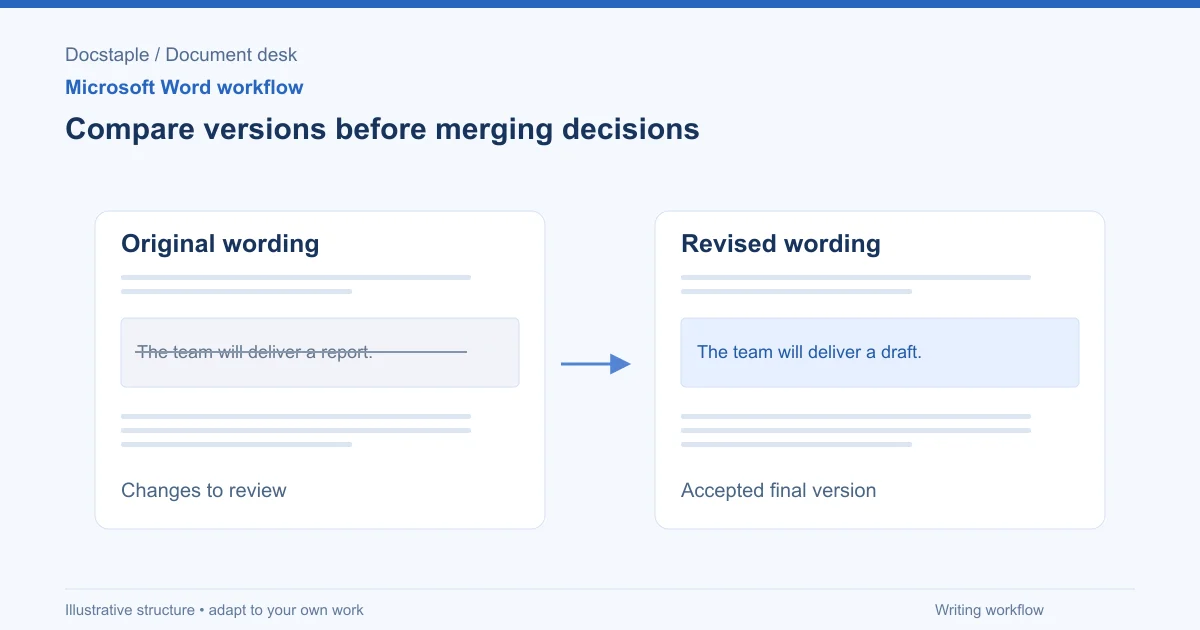
How to Compare Two Word Documents (Compare, Combine and Side by Side)
Compare two versions of a Word document with Review > Compare, know when to use Combine instead, and run a final check on the result, using a consulting proposal that came back from the client with edits.
Sep 26, 20268 min
word-workflowsmicrosoft-word
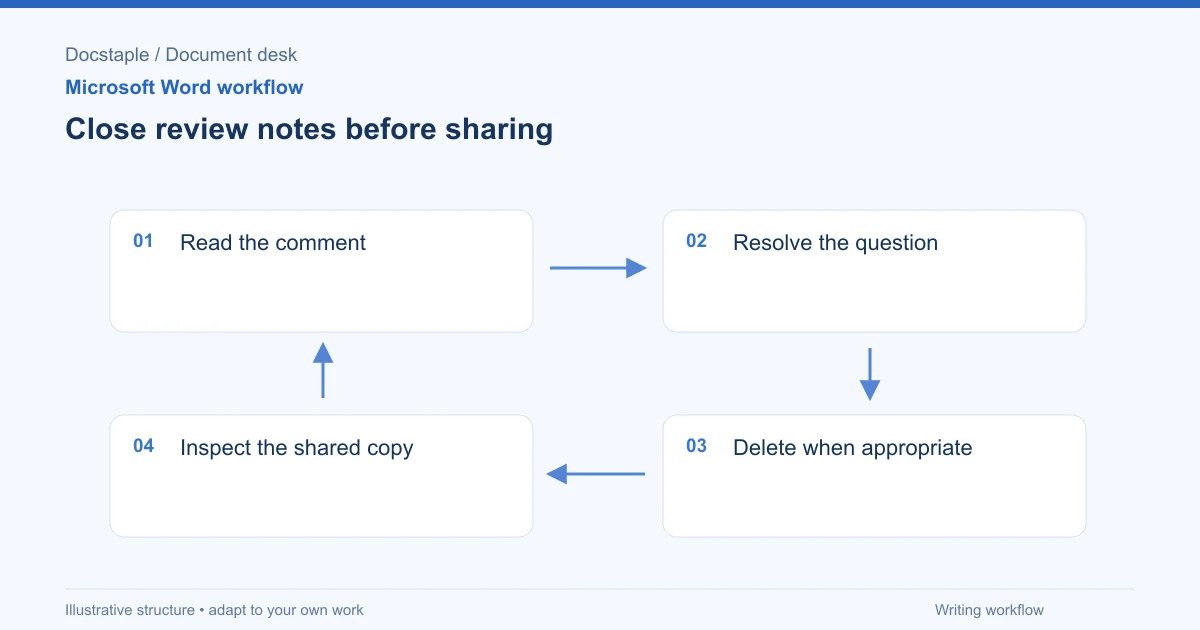
How to Remove Comments in Word (One, All or Before You Send)
Delete a single comment, delete every comment in a Word document, and check for leftovers before a proposal goes to a client, using a consulting proposal with internal review notes as the example.
Sep 26, 20267 min
word-workflowsmicrosoft-word
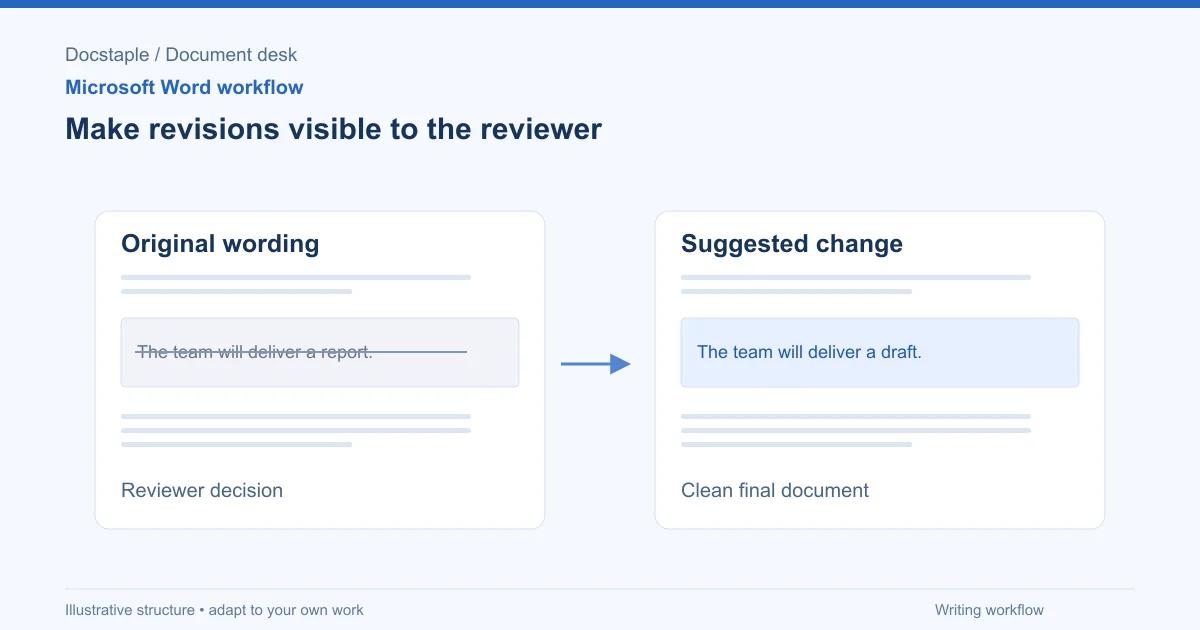
How to Use Track Changes in Word (Turn It On, Review and Finalize)
Turn on Track Changes in Word, choose what to track, review edits by author, accept or reject changes, and check the saved file before a consulting proposal goes to a client.
Sep 26, 20267 min
Showing 3 of 3 articles tagged "document-review"