The document desk

Practical guidance for writing, reviewing, and sharing the documents your business needs.
Allacceptance criteriaacceptance-criteriaaction ownersaudit-checklistbest practicesbest-practicesbusiness continuity planbusiness developmentbusiness-continuitybusiness-continuity-plancapability statementcapability-statementchange orderchange requestchange-controlchange-requestchecklistclient approvalclient deliveryclient-deliverycommercial termscompetencycompletion evidenceconfidentiality-agreementconstructionconsultingcontrolscorrective-actionsdecision ownersdecision recorddecisions-and-actionsdeliverablesdocument-controldocument-protectiondocument-reviewdocument-structuredrafting workflowdrafting-examplesemployee handbookemployee-handbookengagement letterengagement-letterengagement-reviewevidenceexamplesformshandover documenthandover-documentheading-styleshow-tohr-policieshr-policyincident reportincident-reportinvestigationknowledge transferlegal reviewlegal-reviewmeeting minutesmeeting-minutesmicrosoft-wordonboarding checklistoperationspolicies-and-compliancepolicy-reviewprocedures-and-sopsprocessprocurementproject briefproject closeoutproject handoverproject reportingproject status reportproject-briefproject-status-reportproposalproposalsproposals-and-scopequalityquality assurance planquality-assurancequality-assurance-planquality-reviewrecoveryreview checklistreview-checklistrisk assessmentrisk-assessmentrisk-managementrisks and blockersscopescope and exclusionsscope controlscope limitationsscope managementservice agreementsite readinesssite reportingsite-managementsite-reviewsite-safetysopsponsor reportingstandard operating procedurestandard-operating-procedurestatement of workstatement-of-worksubcontractorssuccess criteriatemplatestrack-changestrainingtraining manualtraining-manualword-workflowsworkflow
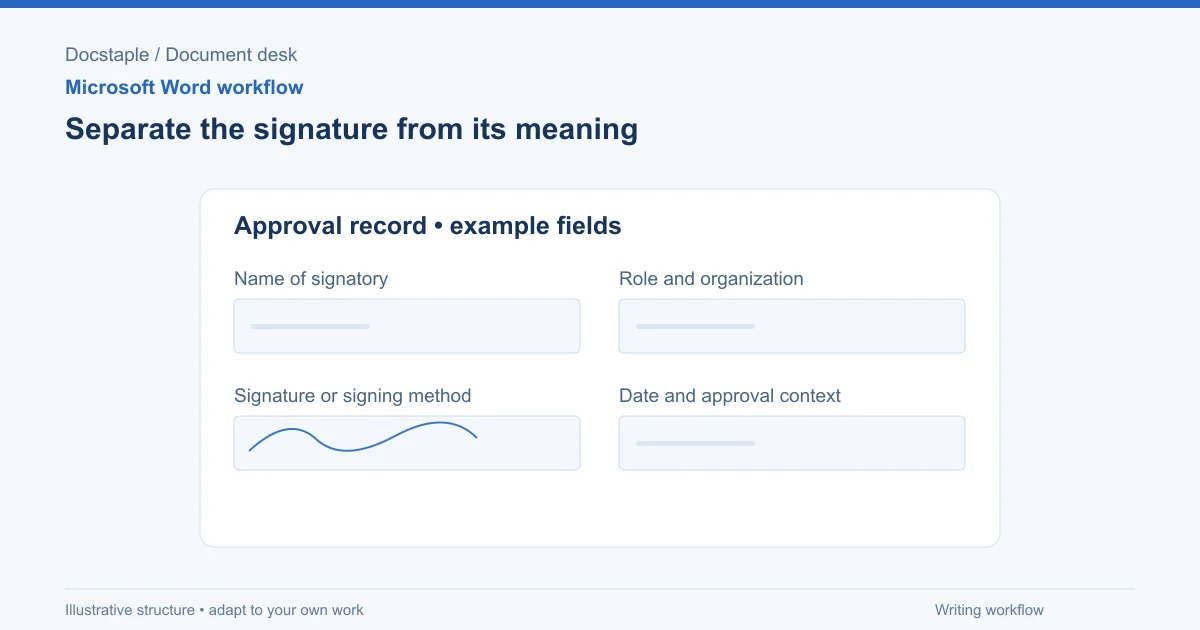
Separate the signature from its meaning: Name of signatory; Role and organization; Signature or signing method; Date and approval context.
word-workflowsmicrosoft-word

How to Add a Signature in Word (Line, Image or Digital)

Learn three ways to add a signature in Microsoft Word: a plain signature line, a scanned handwritten image, and a Microsoft Office signature line, with a consulting proposal example.
Sep 26, 20268 min
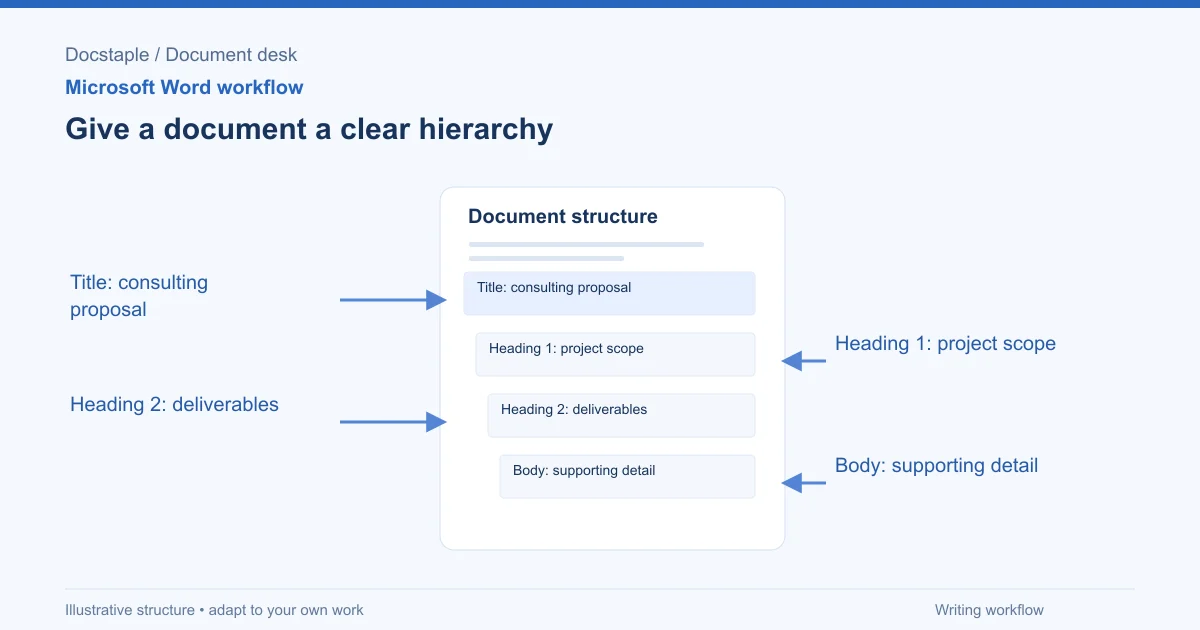
Give a document a clear hierarchy: Title: consulting proposal; Heading 1: project scope; Heading 2: deliverables; Body: supporting detail.
word-workflowsmicrosoft-word

How to Add Headings in Word (Apply Styles, Check Structure and Fix Problems)

Add headings in Word with built-in heading styles, customize them once, check the structure in the Navigation pane and fix common problems, using a consulting proposal as the example.
Sep 26, 20267 min
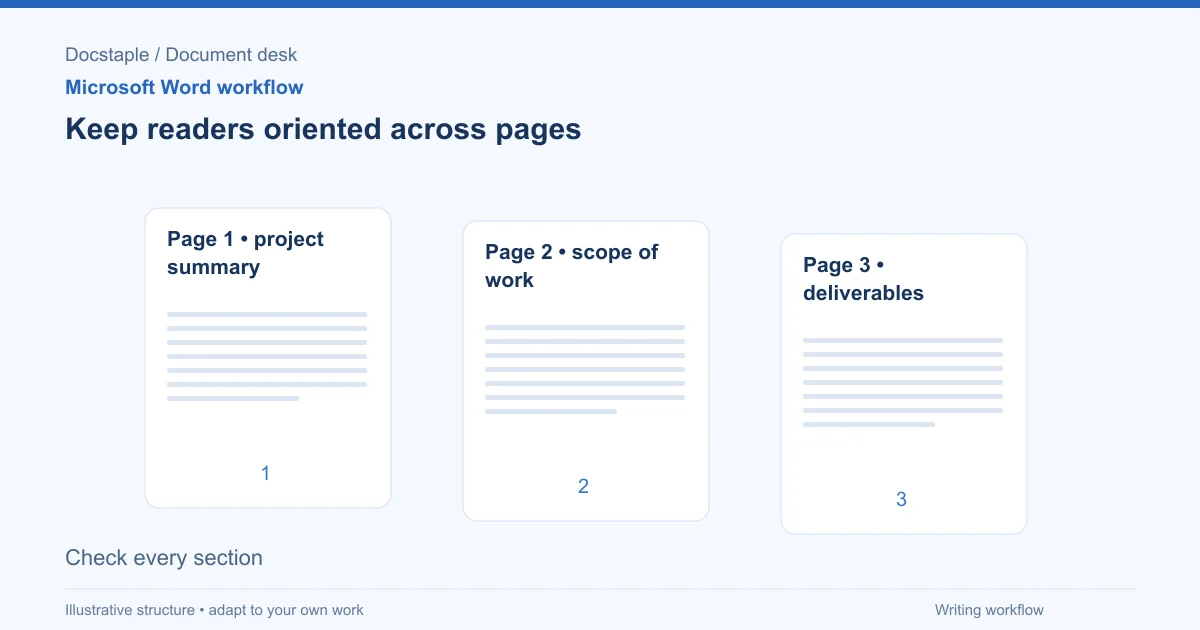
Keep readers oriented across pages: Page 1 • project summary; Page 2 • scope of work; Page 3 • deliverables; Check every section.
word-workflowsmicrosoft-word

How to Add Page Numbers in Word (Step by Step)

Learn the exact menu steps for adding page numbers in Microsoft Word, skipping the cover page, restarting numbering, and fixing common problems in a business proposal.
Sep 26, 20268 min
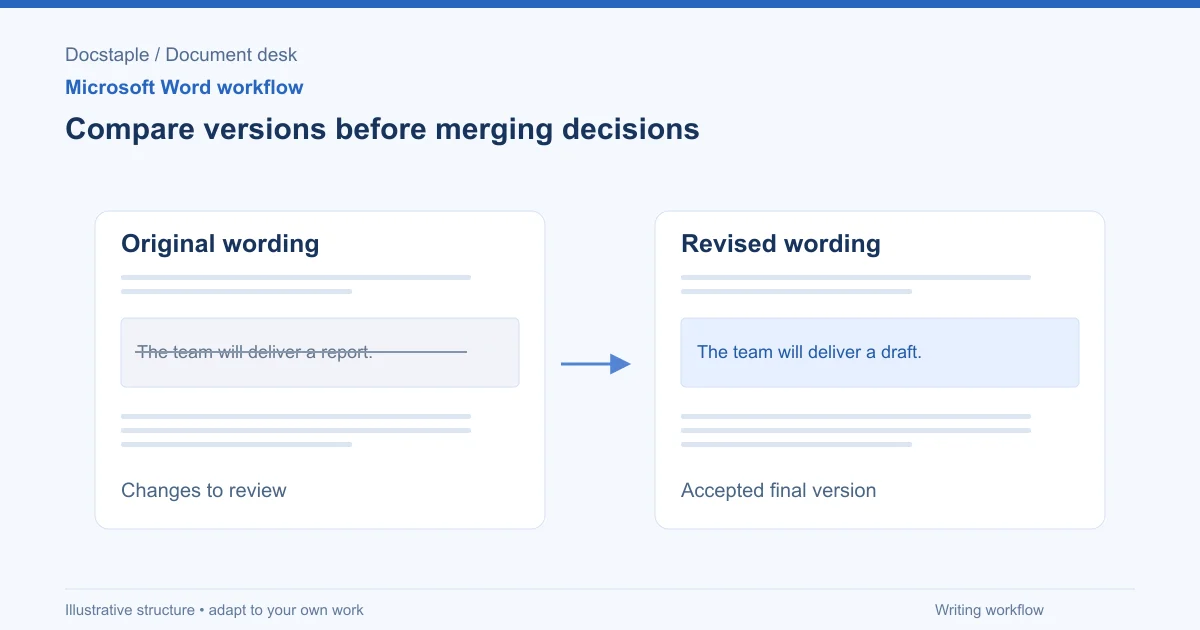
Compare versions before merging decisions: Original wording; Revised wording; Changes to review; Accepted final version.
word-workflowsmicrosoft-word

How to Compare Two Word Documents (Compare, Combine and Side by Side)

Compare two versions of a Word document with Review > Compare, know when to use Combine instead, and run a final check on the result, using a consulting proposal that came back from the client with edits.
Sep 26, 20268 min
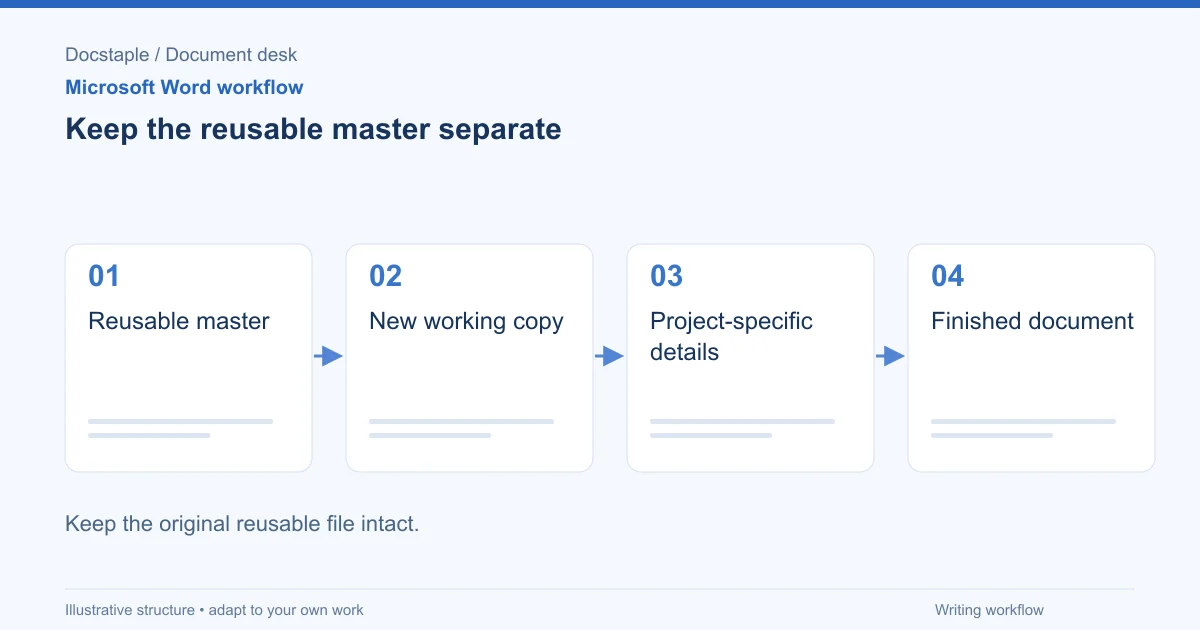
Keep the reusable master separate: Reusable master; New working copy; Project-specific details; Finished document.
word-workflowsmicrosoft-word

How to Create a Template in Word (Save, Reuse and Edit a .dotx File)

Build a reusable Word template from a finished document, save it as a .dotx file, find it again under New, and check it before anyone uses it, using a consulting proposal as the worked example.
Sep 26, 20268 min
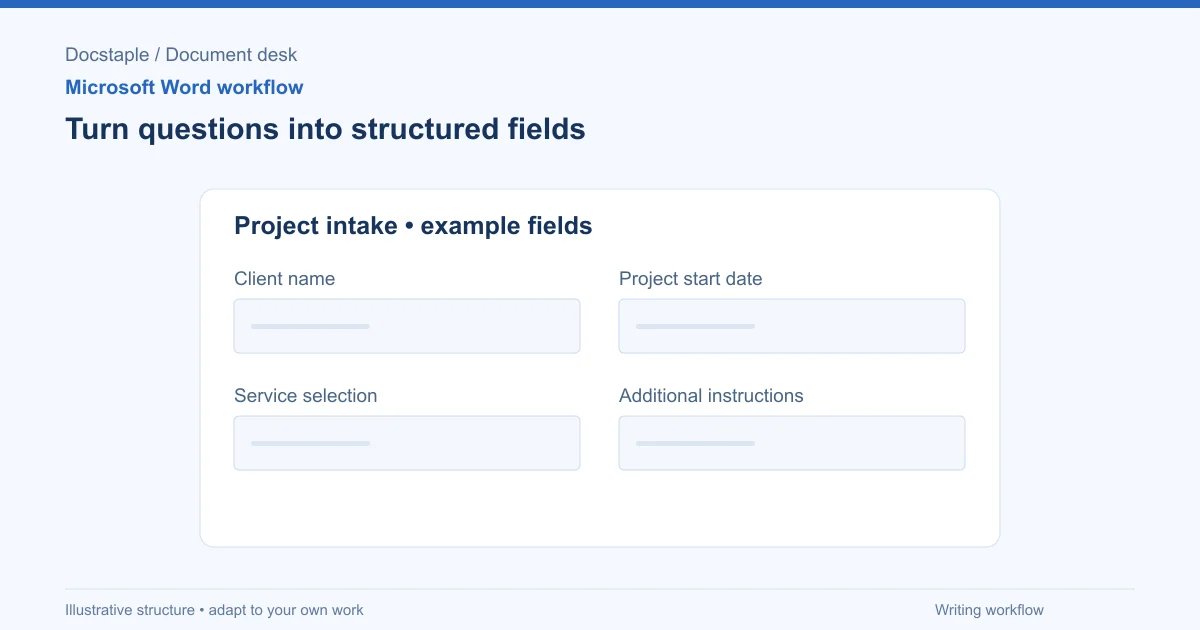
Turn questions into structured fields: Client name; Project start date; Service selection; Additional instructions.
word-workflowsmicrosoft-word

How to Create Fillable Forms in Word (Content Controls Step by Step)

Build a fillable form in Microsoft Word with content controls: show the Developer tab, add text, drop-down, date and check box fields, protect the form and test it, using a consulting proposal intake form as the example.
Sep 26, 20268 min
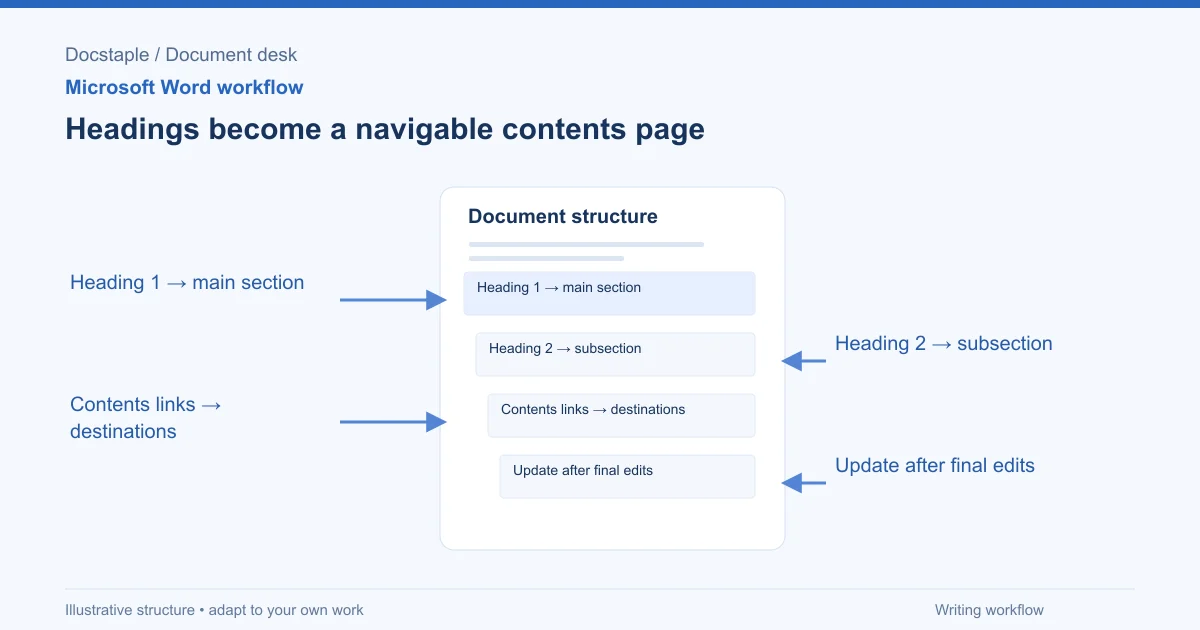
Headings become a navigable contents page: Heading 1 → main section; Heading 2 → subsection; Contents links → destinations; Update after final edits.
word-workflowsmicrosoft-word

How to Insert a Table of Contents in Word (Step by Step)

Learn the exact menu steps for inserting an automatic table of contents in Microsoft Word, why headings matter, and how to fix common formatting problems.
Sep 26, 20266 min
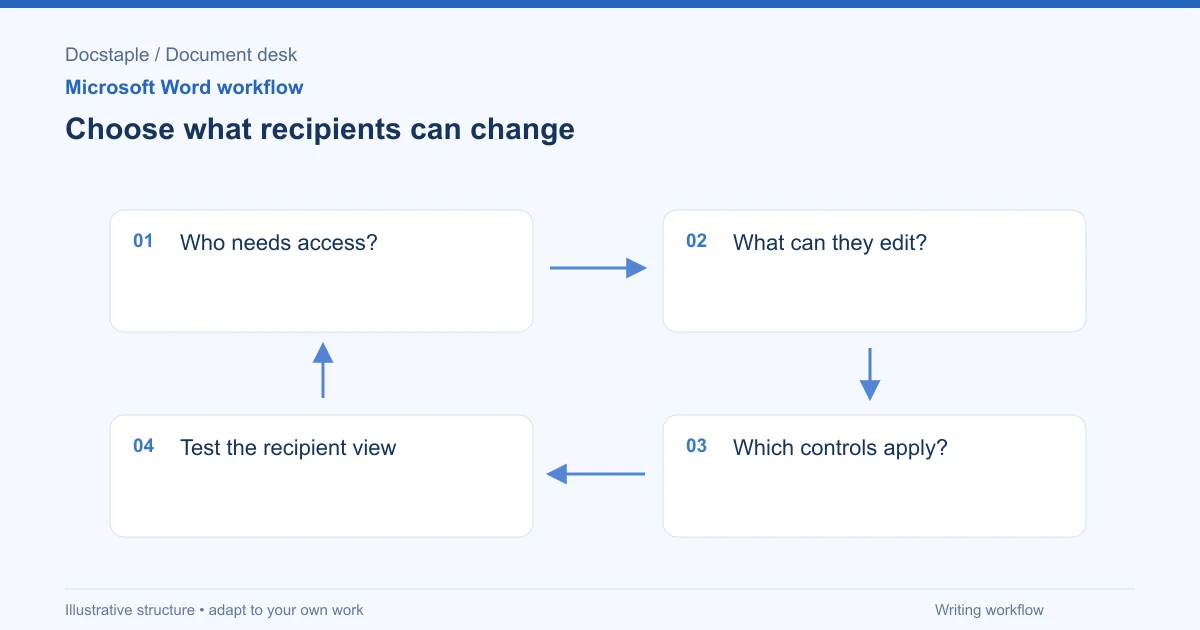
Choose what recipients can change: Who needs access?; What can they edit?; Which controls apply?; Test the recipient view.
word-workflowsmicrosoft-word

How to Protect a Word Document (Password, Read-Only and Editable Sections)

Encrypt a Word document with a password, lock it against edits, or leave only chosen sections open, using a consulting proposal that a client must sign but not reprice as the worked example.
Sep 26, 20267 min
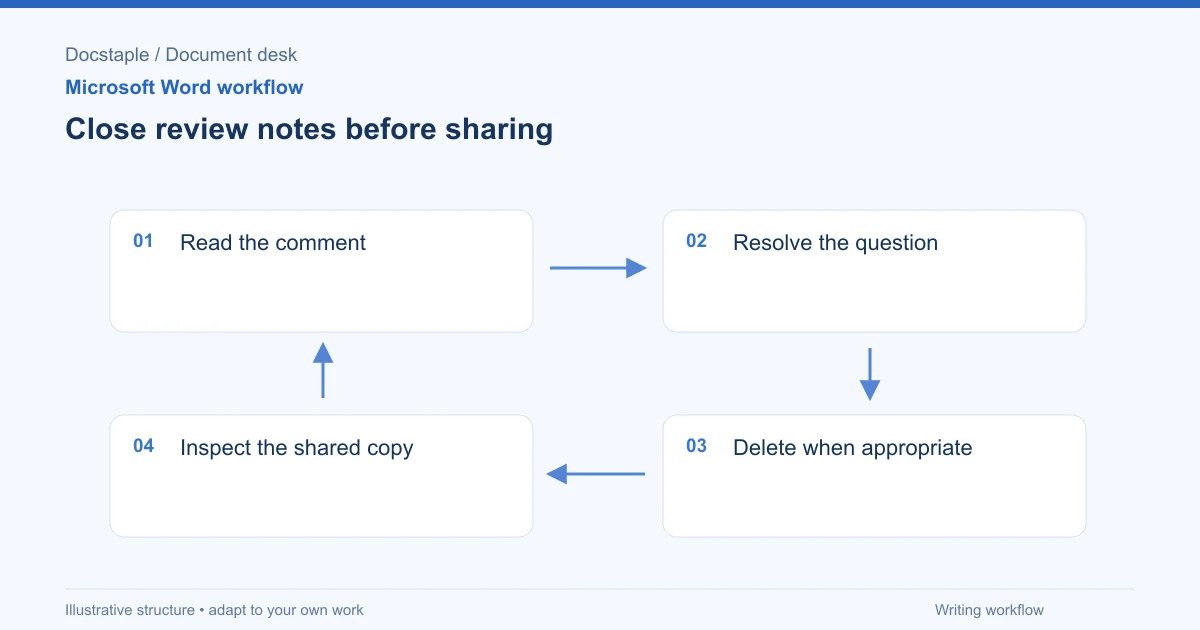
Close review notes before sharing: Read the comment; Resolve the question; Delete when appropriate; Inspect the shared copy.
word-workflowsmicrosoft-word

How to Remove Comments in Word (One, All or Before You Send)

Delete a single comment, delete every comment in a Word document, and check for leftovers before a proposal goes to a client, using a consulting proposal with internal review notes as the example.

Sep 26, 20267 min

Showing 9 of 10 articles tagged "word-workflows"

Find the right Word template

Word templates for your business documents. Inspect the contents, download, and adapt the draft to your work.

Editable Word files. One-time purchase.